★★★★★ “This course retrained me — and it’s preparing me for my next career move.” — Genet
All you need are just the right skills, taught the right way.
Hi, I'm Simon.
Take just 60 seconds and see why I built Simon Sez IT for you.
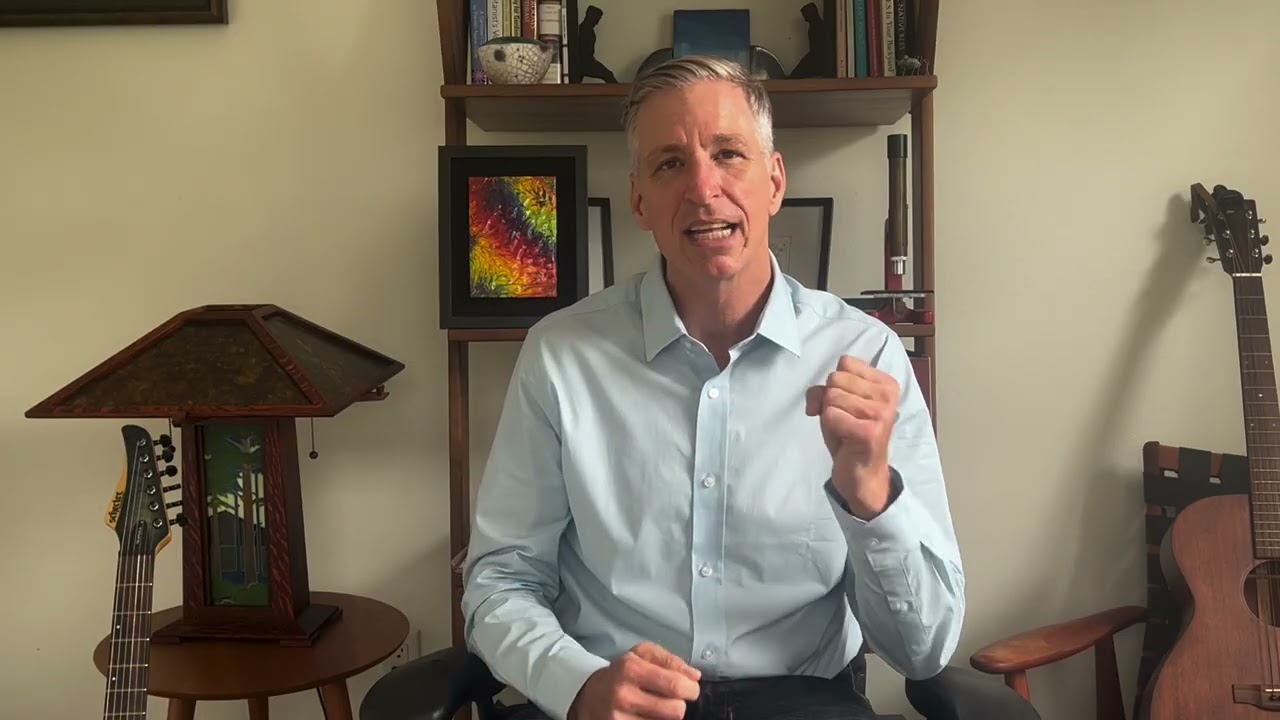
Unlike many founder stories, mine starts late one evening at about 9 PM.
For years, I was the one who stayed after work. I had a demanding job in IT, and the only way to keep up was to teach myself everything I needed to know, after hours.
There were so many long nights with a massive manual on my lap, but at home, a young family I barely got to see. I learned the skills I needed in the end — but it was slow, it was lonely, and it cost me time I'll never get back.
That's the whole reason Simon Sez IT exists. I built the training I wish I'd had: clear, structured, and made for working people who are already stretched thin but need to grow skills fast.
And that matters more now than it ever has. Everyone's racing to learn AI — and a lot of what's out there is built to overwhelm you, not teach you the knowledge and skills you'll need to get ahead.
So, here's something I think will help you along that forward-moving path.
— Simon
There's more free content available now than ever before — and a lot of it isn't set up to teach you anything worthwhile. It's all just a teaser for someone's product or service. That's why our structure is the difference between getting started and getting ahead.
Your Standard Annual membership — including the AI training everyone's talking about – plus the other applications you use every day.
Excel, Word, PowerPoint, QuickBooks, AI and more — built as clear learning paths.
Watch on your schedule, on any device. No ads, no noise, no upsells mid-lesson.
20+ dedicated AI courses teach you to actually use artificial intelligence at work. Practical AI training, relevant for your role.
Follow along and prove it stuck, not just watch and forget.
Show your manager — and yourself — exactly what you've mastered.
Faster work, fewer late nights, and a stronger case at your next review or appraisal.
Real people. Real results.
We've been training learners through every shiny new thing that's come and gone. We're still here. And with our continually updated library, over 2 million students have studied with us and developed the skills they need.
Trusted by professionals at
A full year of unlimited training, normally priced at $240.
Offer ends September 1st at midnight.
No risk, just reward. Try it for a full 30 days. If it's not for you, get your money back - no questions asked.
Everything. It's a full year of our Annual membership. Includes 200+ courses and 11,000+ videos, including 20 courses on AI.
Very. Free is a great place to start — but it leaves you guessing what to learn next because the algorithms aren't designed to give you a logical path to skill mastery. They're designed solely to keep you on the platform for longer. With Simon Sez IT membership you get structured paths, dedicated courses, practice files, and certificates, so you can finish the course, truly learn the skill, and get the certificate to prove it.
Yes, and it's one of the best reasons to join right now. AI is quickly growing to be our most popular topic, and every course is included in your Annual membership, taught the same structured way as everything else: not scattered tips, but proper courses that take you from "I've heard of this" to actually using it in your work.
Members get access to a growing library of more than 20 AI courses. Here's a taster of what's included, grouped into sub-categories:
AI Basics: Get started with our Introduction to ChatGPT course, and build your confidence with the basics, while Artificial Intelligence Intermediate helps you understand what's happening under the hood.
Microsoft Copilot: The most popular of these courses is our Copilot in Microsoft 365 for Beginners, but we have dedicated courses for using Copilot in different applications, so you can learn to draft, summarize and build faster in the tools you already use every day.
AI for Finance and Accounting: Full suite of courses, including AI for Accounting and Finance, Automating Accounting and Bookkeeping with AI, and Financial Modelling Using Generative AI. These AI skills will save real time for anyone in a numbers role.
AI Workplace Productivity: Targeted guides for Sales and Marketing, Business Professionals, and for everyday workplace productivity, so the training fits what you actually do.
AI Safety and Governance: Courses such as Avoiding AI Workslop, Responsible AI: Ethics and Governance, and Generative AI and Cybersecurity help you use AI accurately and responsibly, without creating new risks.
The foundations transfer to any tool, the tool-specific courses get you productive fast, and the library is kept current as the tools change — so you stay ahead without chasing the noise.
You're covered by our 30-day money-back guarantee. Just let us know, and we'll provide you with a refund.
Still not sure, or have a question we haven't answered?
Drop us a line at support@simonsezit.com — the team will be glad to help.
Let's make it one. You don't need to go back to school to get ahead — you just need to get started.
Join Now — $149 for the Year →Normally $240 · Offer ends September 1st